

Telemetry shows what happened. Physiology shows why.
ApexFlow syncs your heart rate and HRV with your iRacing telemetry. This page gets your first session in: what you need, two ways to record, and the upload.
What You'll Need
Heart rate strap
Polar H10, or any Bluetooth strap that sends RR intervals
iRacing
Other sims and real-world data are in development
Phone or PC
The Yudemon HRV app on iPhone or Android, or the ApexFlow desktop app
Yudemon account
Free to create, shared with the Yudemon app
HRV needs the exact time between heartbeats (RR intervals). Most wrist watches don't send those over Bluetooth, so a chest strap – like the Polar H10 – is the safe choice.
Two Ways to Record
Recording your heartbeats while you drive is the only real setup step. Both routes end up in the same dashboard with the same analysis, so pick whichever fits your rig.
Record with your phone
Nothing to install on your PC
The Yudemon HRV app records your heartbeats while you drive. Afterwards you drop the telemetry files iRacing wrote onto the upload page, and ApexFlow matches them to your recording.
- –No software on your sim PC, nothing to trust
- –You get the Yudemon HRV app itself, too
- –The phone stays open with the screen on while you drive
- –You upload the .ibt files yourself after the session
Use the desktop app
Most convenient once installed
A small Windows app on your sim PC that connects to your strap, records your data, finds the telemetry files from your session, and uploads everything in one click.
- –Records and uploads in one click, every session
- –Windows only
- –Not code-signed yet: Windows warns you during install, and you are taking my word that it is safe
Just curious? The phone route gets you a first session fastest. Racing every week? The desktop app saves you the upload step each time.
Record with Your Phone
The Yudemon HRV app on your phone + the upload page in the dashboard
Get the Yudemon HRV app and sign in
Install the app on your phone and sign in with your Yudemon account (or create one in the app). It's the same account you use here.
Record mode needs a verified email address and session record sync switched on. Sync is on by default; if you ever turned it off, it lives in the app's Account menu.


Put the strap on and open Record
Record sits at the very bottom of the app's main menu.
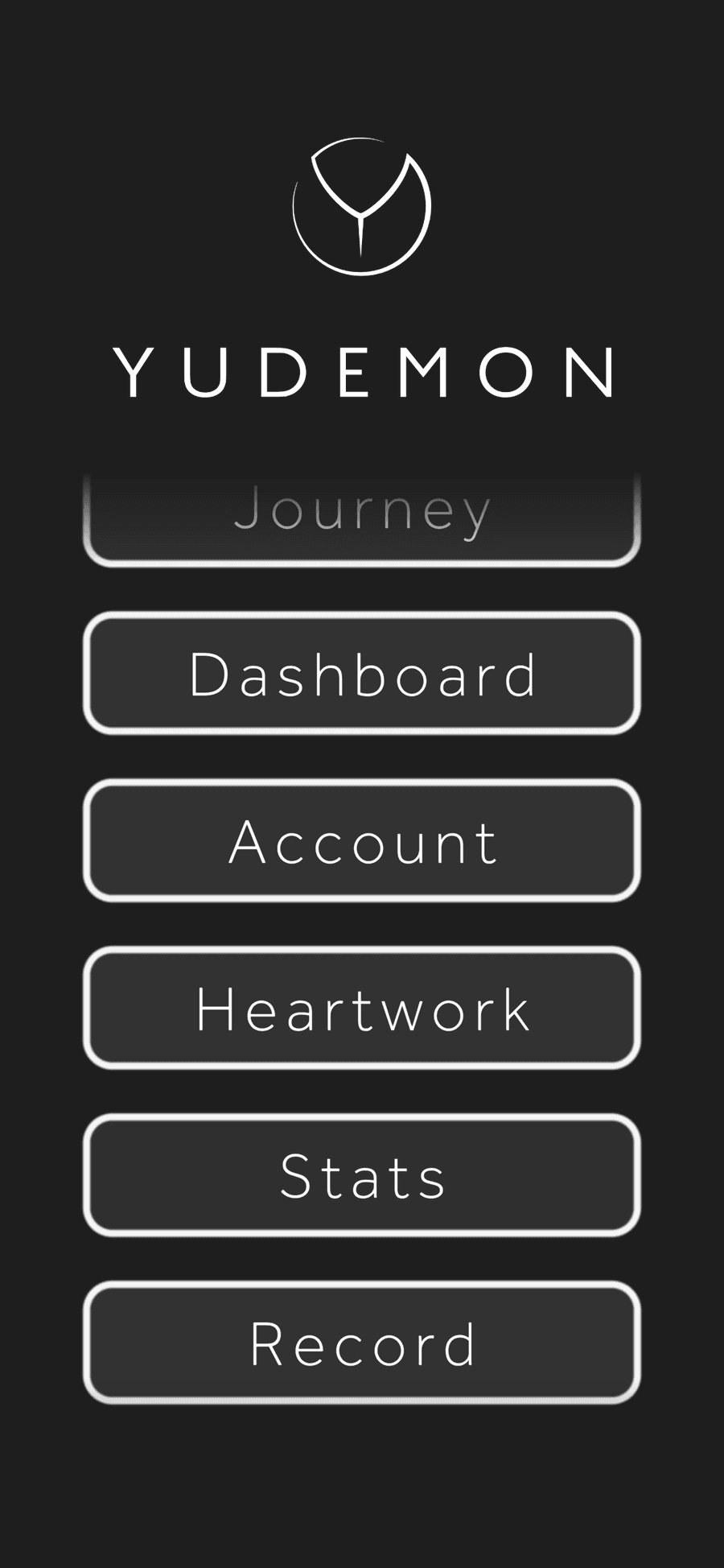
Connect your sensor and start before you join the session
Pick your strap under Sensor and wait for the live R-R reading. Tags and the check-in are optional. Tap Start before you enter your iRacing session, then put the phone aside: keep the app open and the screen on for the whole time you drive.
One recording can cover a whole event – practice, qualifying and the race. ApexFlow cuts out the part that matches each telemetry file.
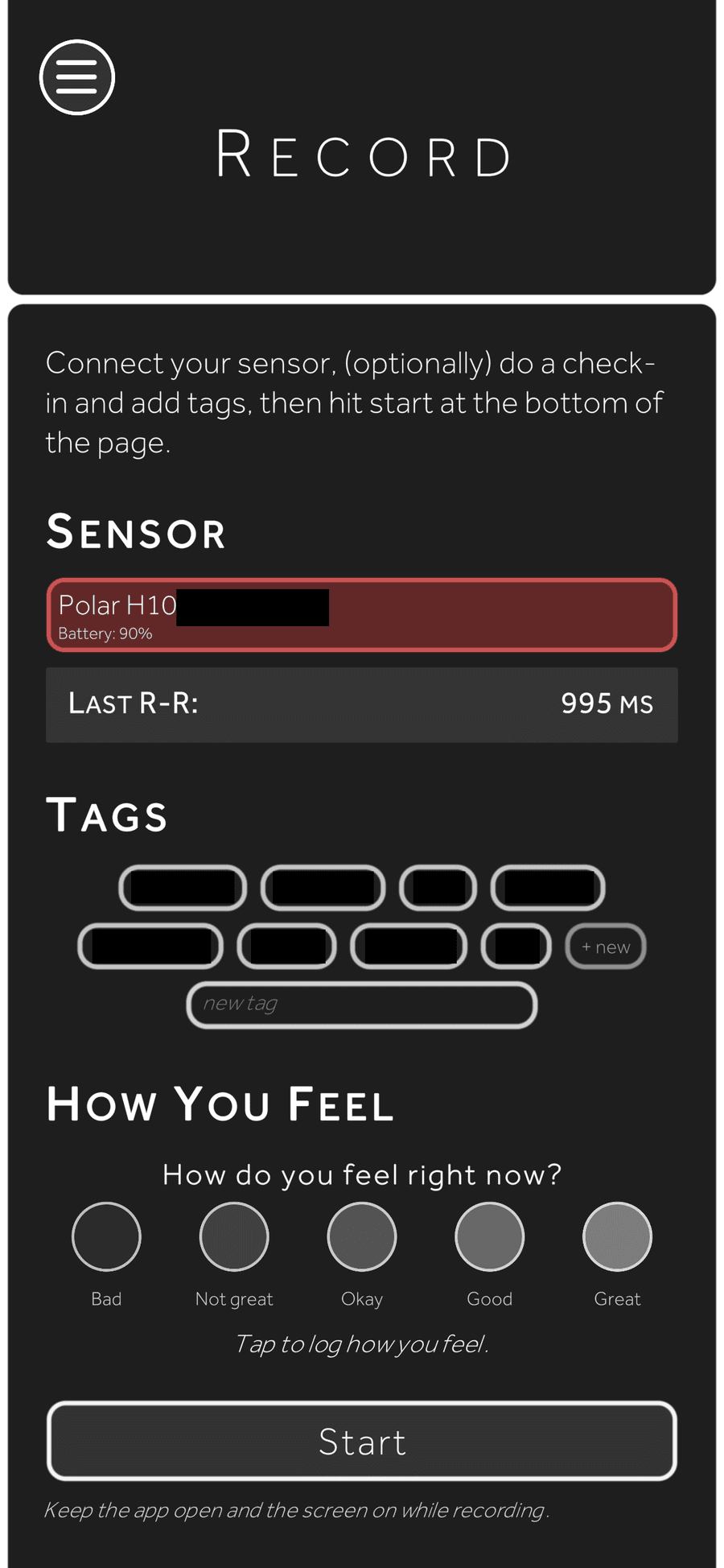
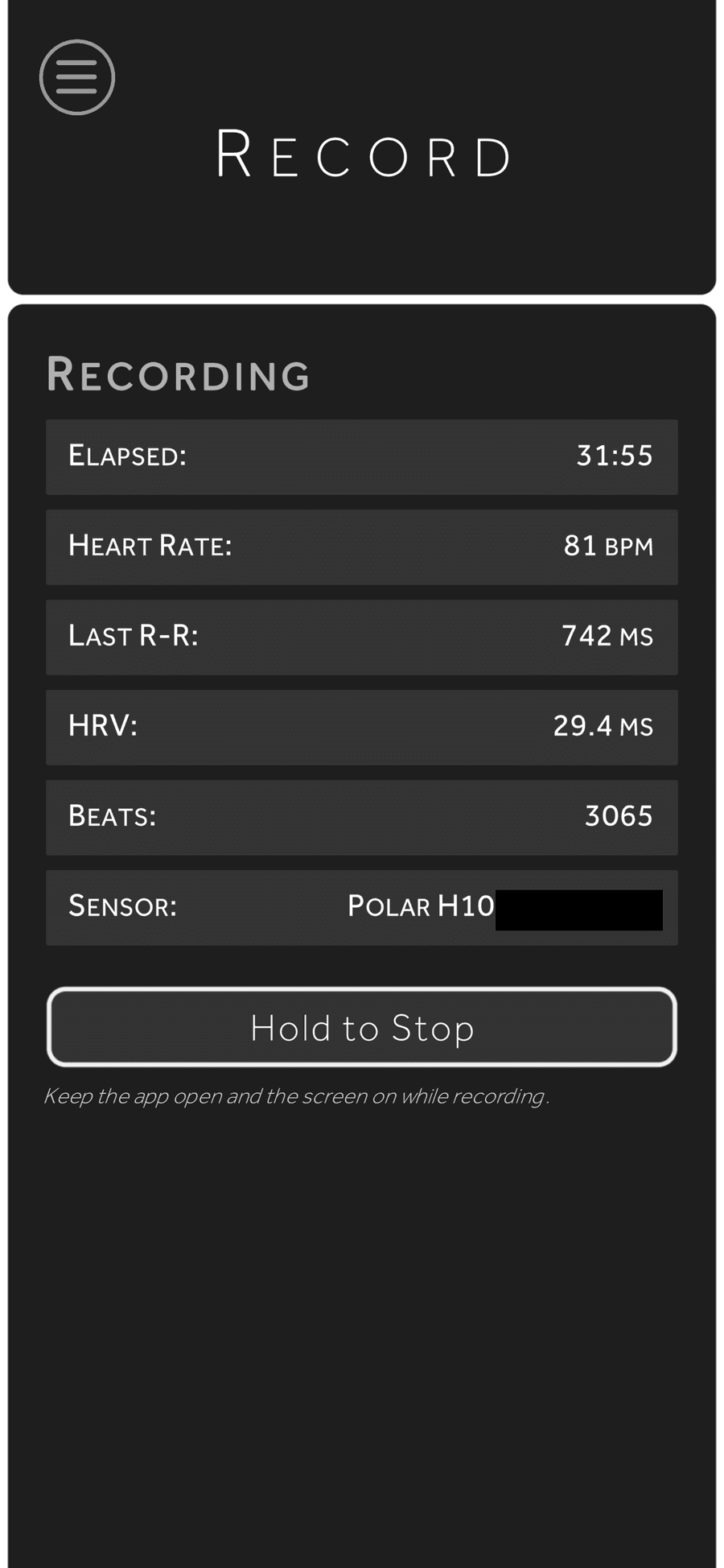
Drive, then hold to stop
When you're done with your driving session, hold the Hold to Stop button, check the summary and tap Done. The recording syncs to your account automatically.
Find your telemetry files
iRacing writes one .ibt file per session to Documents\iRacing\telemetry on your sim PC.
If that folder is empty, disk telemetry is switched off: press Alt+L while in the car to turn it on.
Upload and process
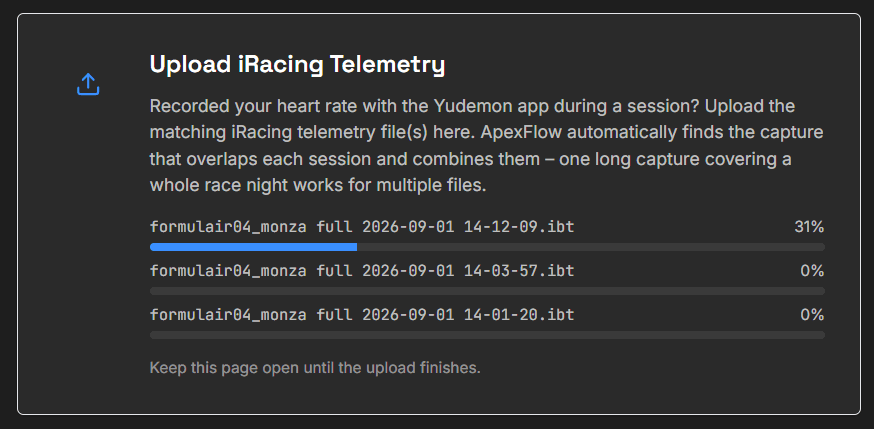
Open the Upload page here in the dashboard. The card lists your most recent recordings so you can check the latest one has arrived. Select or drop your .ibt files, click Upload & Process, and keep the page open.
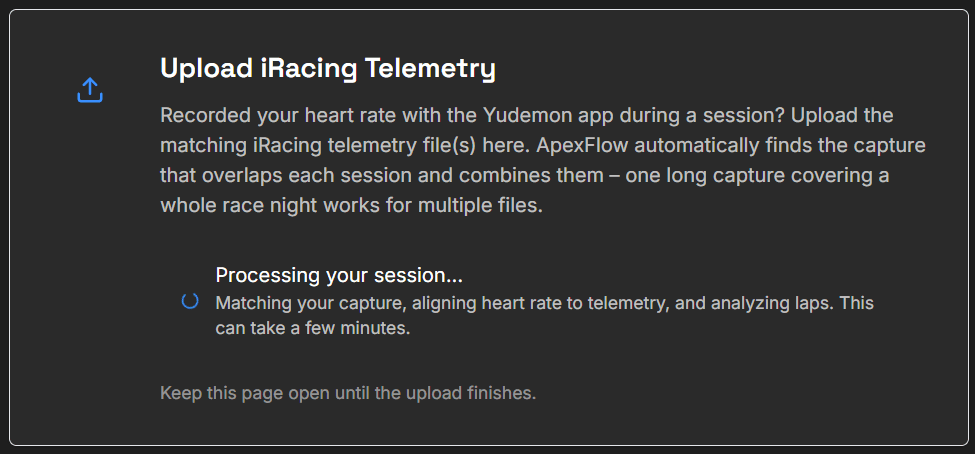
ApexFlow matches each file to the recording that overlaps it, aligns your heart rate to the telemetry and analyzes the laps – a few minutes at most. Files uploaded together are grouped as one event.
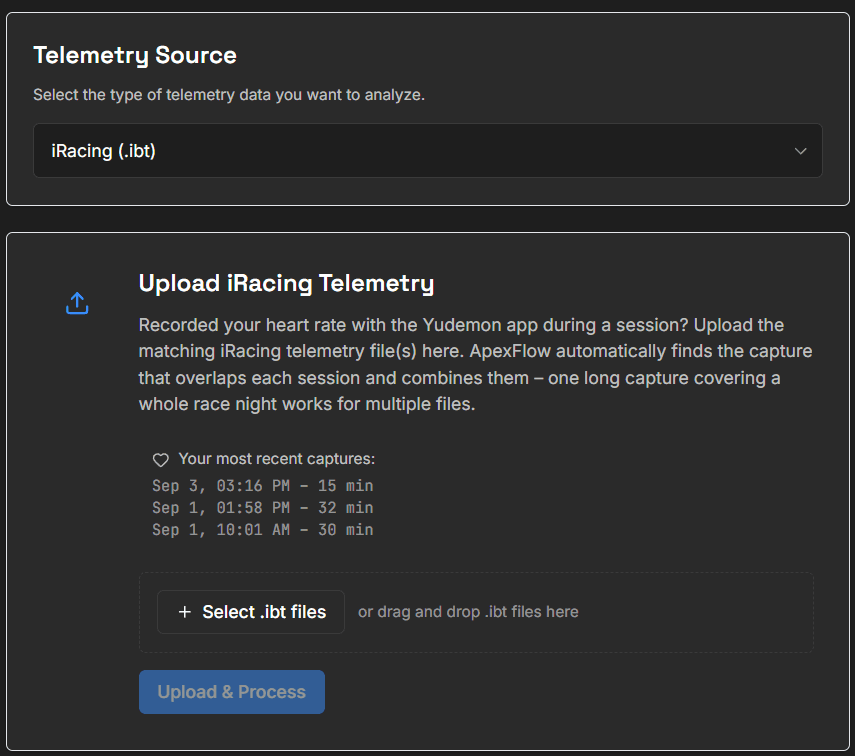
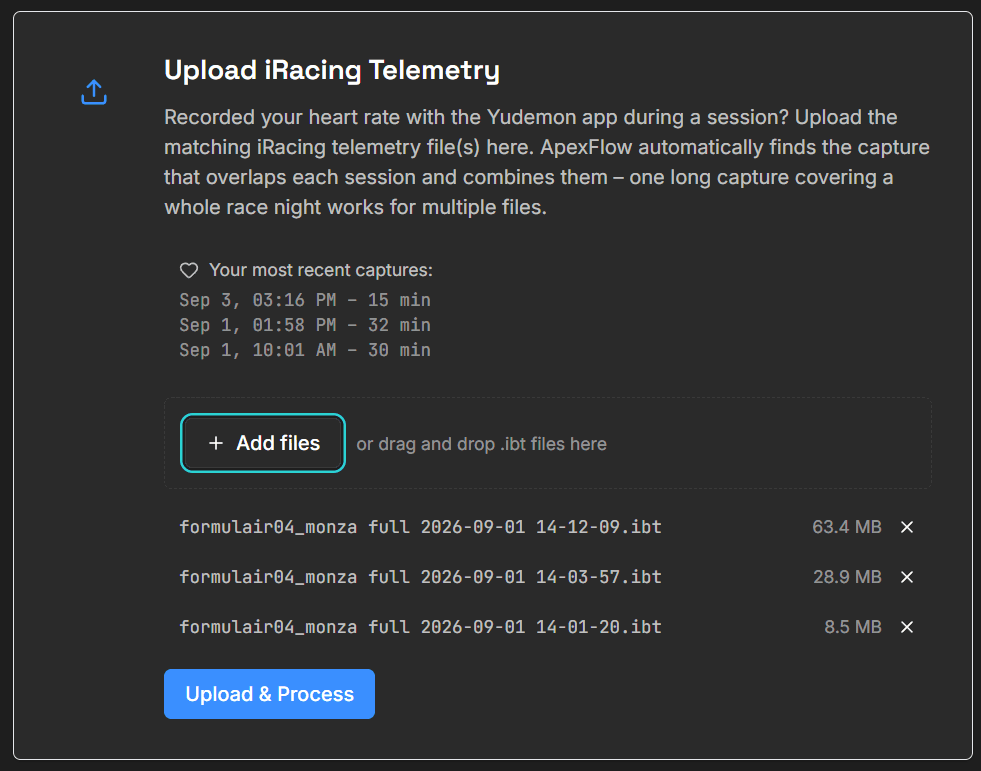
If the Upload page only shows the desktop app card, your recording hasn't synced yet – check the app is online and signed in, then reload.
Explore your session
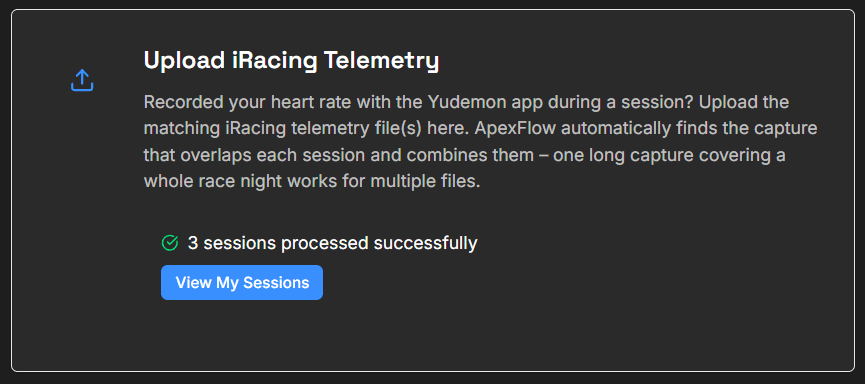
Your sessions appear in your Sessions list as soon as processing finishes, with your physiology synchronized to the telemetry.
Use the Desktop App
Records, finds your telemetry files, and uploads in one click – Windows only
Sign in
Same Yudemon account as the dashboard.
Connect your strap
Turn the strap on and pick it from the Bluetooth list. Your live heart rate appears once it's connected.
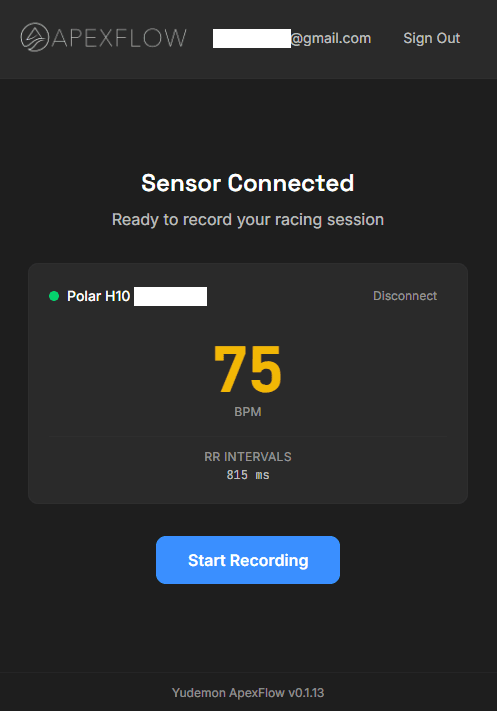
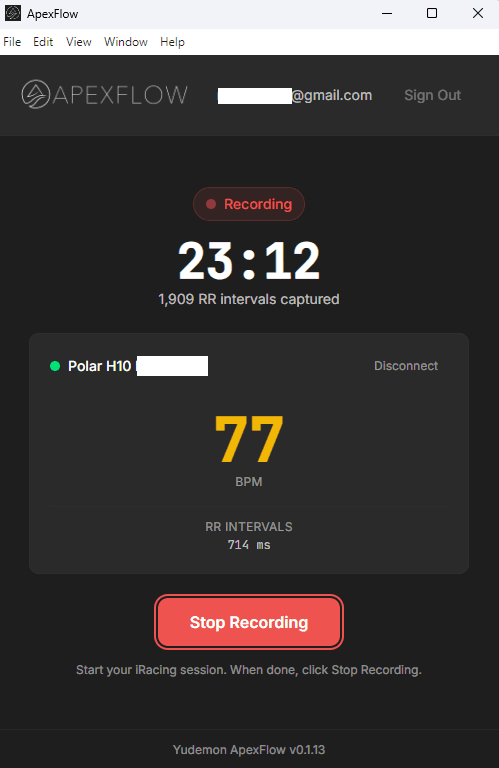
Record your session
Click Start Recording before you join your session, drive, then click Stop Recording when you're done. Practice, qualifying and race can all sit in one recording.
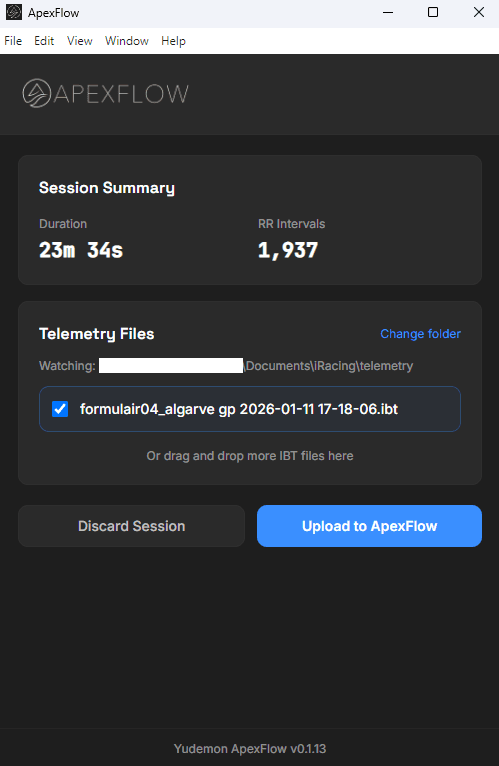
Review and upload
The app lists the telemetry files iRacing wrote while you were recording. Tick the ones you want (or drag one in if it's missing) and click Upload to ApexFlow.
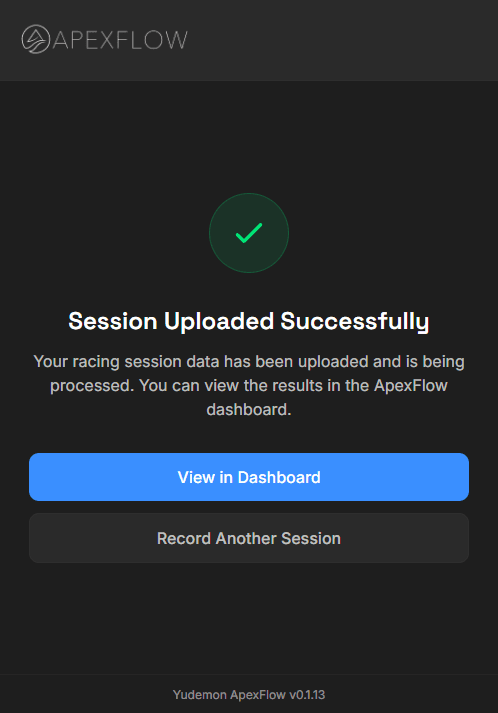
Explore your session
Processing takes anywhere from a few seconds to a few minutes. Your session then appears in your Sessions list, with your physiology synchronized to the telemetry.
Whichever Route You Take
Start recording before you join the session and stop after you leave. ApexFlow trims the recording to the telemetry automatically.
Wet the strap's electrodes before you put it on. A dry strap is the most common cause of gaps in the data.
Sessions uploaded together are grouped as one event, so practice, qualifying and the race sit side by side.
ApexFlow is free for your most recent event. ApexFlow Pro unlocks your full history and cross-session insights.
What You'll Discover
ApexFlow shows you what your body was doing while you drove. It's a tool for exploration, not a coaching system (yet).
Your race, as your body saw it
Every fight, the start, your peak, and what running close to another car costs you.
Physiology by track position
Heart rate and HRV on lap traces and track heatmaps, corner by corner, lap after lap.
Braking response and push laps
How your heart rate answers heavy braking, and which solo laps you were genuinely pushing.
Patterns across your season
By session type, car and track, and what racing close does to you over a whole season.
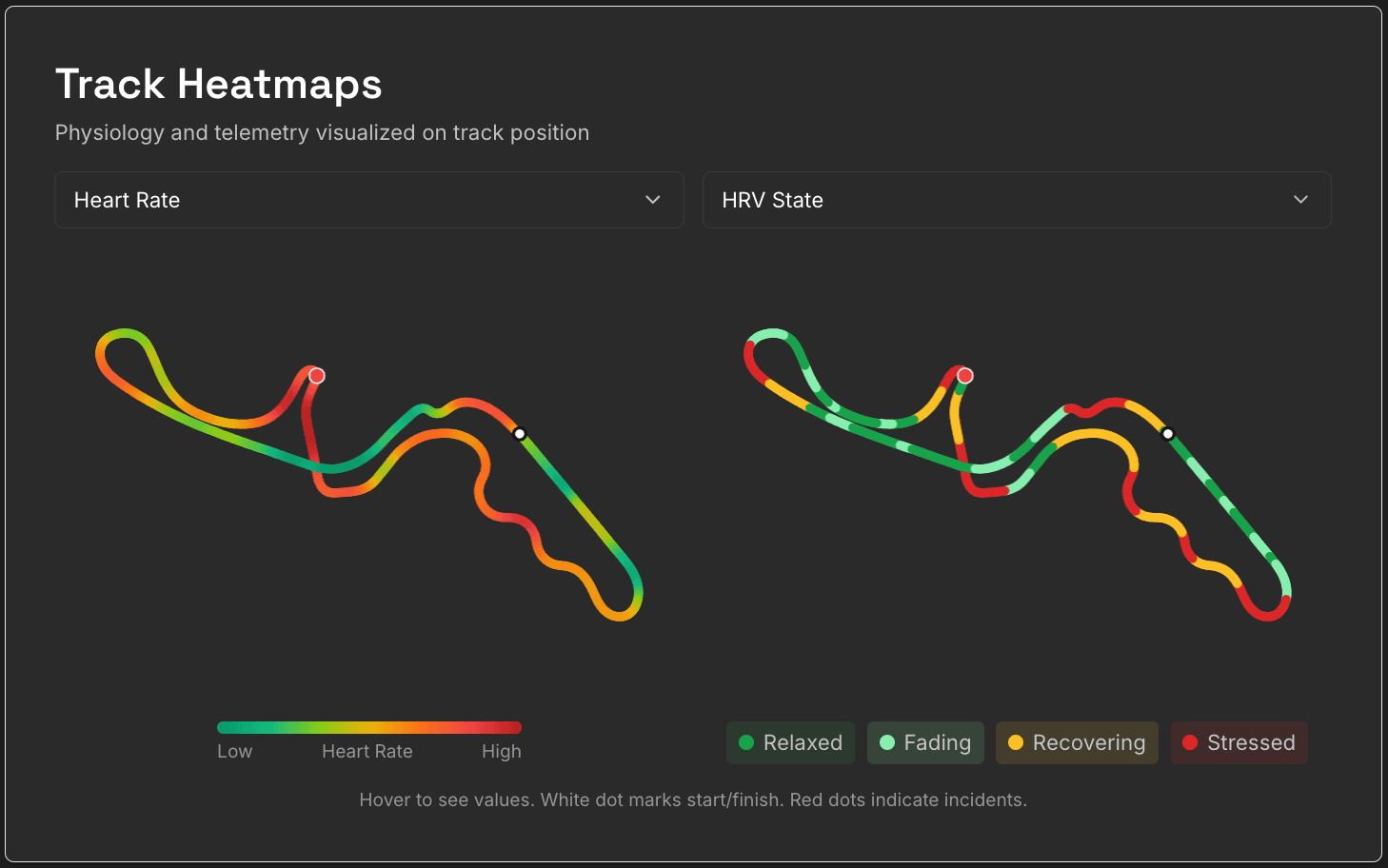
Example: heart rate and HRV state mapped to track position, showing exactly where tension builds.
The full tour is on the ApexFlow page.
Stuck somewhere? Questions? Reach out at max@yudemon.com